
Guide to Building Your AI Instructor with aiClasses.io
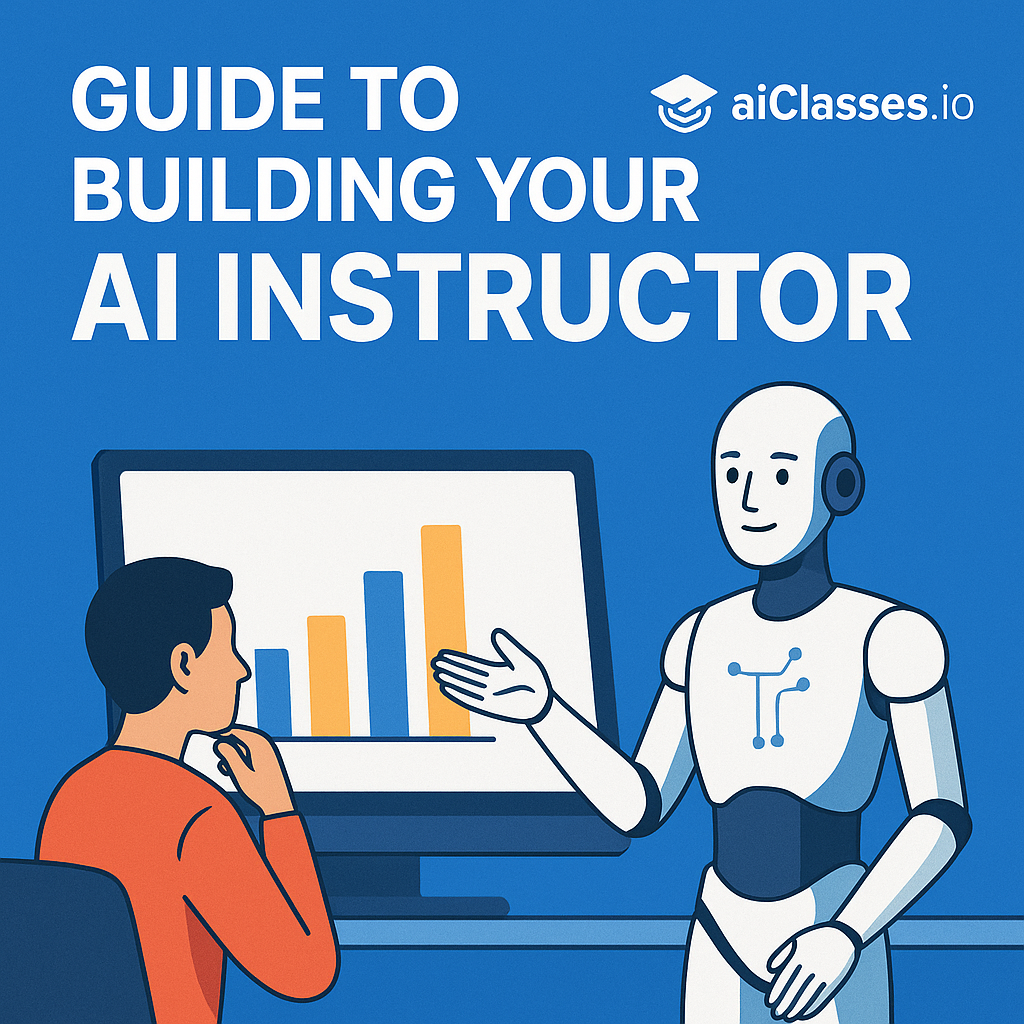
Build Your Own AI Instructor: A Step-By-Step Guide Using aiClasses.io
Artificial Intelligence (AI) continues to transform various sectors, including education. Creating your own AI instructor has become accessible through platforms like aiClasses.io. This guide will delve into the steps useful for educators, programmers, and enthusiasts wanting to harness AI for teaching and learning.
What is aiClasses.io?
aiClasses.io is an innovative platform that enables users to create and manage AI-powered virtual instructors. These AI instructors can be tailored to teach specific courses, assist in tutoring, or even manage interactive learning sessions. The platform leverages advanced AI algorithms to provide a personalized learning experience for students.

Why Build an AI Instructor?
Before diving into the step-by-step process, let’s explore why you might want to build an AI instructor:
- Personalized Learning: AI instructors can adapt to the individual learning pace and style of each student.
- Scalability: One AI instructor can reach an unlimited number of students worldwide.
- Availability: Unlike human instructors, AI can be available 24/7, providing help and answering questions at any time.
- Innovative Teaching: Integrate multimedia and interactive elements to enhance learning.
Step 1: Define Your Goals
Start by defining what you want your AI instructor to achieve. Consider the following:

- Subject matter expertise
- The level of interaction required (e.g., quizzes, assignments)
- Integration with other learning management systems (LMS)
Step 2: Gather Your Content
Compile all the educational content that your AI instructor will need, such as:
- Textbooks
- Lecture notes
- Multimedia files, like videos and audios
- Quizzes and exams
Step 3: Sign Up and Set Up on aiClasses.io
Create an Account
Visit aiClasses.io and sign up for an account. Choose the plan that fits your needs, ranging from basic to advanced, depending on features like learner analytics and custom AI training.
Create Your AI Instructor
Once logged in, navigate to the ‘Create Instructor’ section and start customizing:
- Name Your AI: Give your AI a name that students will refer to.
- Select the Type of AI: Depending on your needs, select from tutor, lecturer, or facilitator.
- Upload Your Content: Feed your compiled content into the platform.
Step 4: Train Your AI
Training is crucial as it determines how well your AI can handle real-life educational tasks.
- Initial Setup: Choose the training model based on your content type.
- Interactive Training Sessions: Engage in sample Q&A to teach your AI about potential student inquiries and appropriate responses.
- Feedback Mechanism: Implement a system to collect feedback on AI responses to refine its learning process.
Step 5: Integrate and Launch
Integrate with Existing Systems
If you’re using other educational tools or platforms, ensure compatibility and integration for seamless functionality.
Launch Your AI Instructor
- Soft Launch: Start with a beta group of users to gather initial feedback and make necessary adjustments.
- Full Launch: Once refined, roll out your AI instructor to your target audience.
Step 6: Monitor and Iterate
Regular monitoring and updating are key to maintaining an effective AI instructor. Use tools provided by aiClasses.io to analyze performance and student satisfaction. Continually update the content and training as needed to ensure relevancy and accuracy.
Conclusion
Building an AI instructor on aiClasses.io can revolutionize the educational experiences you offer. By following these steps, you can create a powerful and effective AI-driven learning environment. Dive into the future of education by embracing AI capabilities to fundamentally enhance how knowledge is delivered and consumed.